Legacy and vendor systems
Sainsbury’s
Bridging interactions between older systems, vendor solutions and new software, as described by Senior Engineering Manager Fraser Pearce.
Read the Sainsbury’s account

Cloudini · Systems integration
Keep what works. Connect existing applications and build the software needed between them, around a clearly defined workflow.
Identify the event and information that need to move.
Agree ownership, permissions and how exceptions are handled.
Confirm the transfer or give someone a clear action to take.
A planning example. The interfaces and rules depend on your systems.
Your existing software
From Salesforce and HubSpot to Xero and Shopify. We assess your existing applications, supported interfaces and workflow, then agree the connection your business needs.
Salesforce · HubSpot · Microsoft Dynamics
Decide which customer records need to move, how they are matched and which system owns each field.
Plan a CRM and accounting handoverXero · MYOB
Assess invoice handovers, transaction exports and the information needed for reconciliation.
Explore Paylink’s accounting exportsShopify · Magento · Salesforce Commerce Cloud
Map the handovers between your storefront, order records and the applications used to fulfil and account for a sale.
Explore commerce engineeringSAP · NetSuite · Microsoft Dynamics
Define the operational records and approvals that need to cross between enterprise applications and internal tools.
Plan the connection between systemsThese are examples of platforms to discuss. Supported actions, permissions and any subscription requirements are checked for your setup before the integration scope is agreed.
The work between applications
When people re-enter information, reconcile spreadsheets or check several applications to complete one task, the connections deserve a closer look.
Cloudini can assess the available interfaces, map the data and develop the application services or internal tools needed for an agreed workflow. A supported connector may be enough; custom software may be appropriate where the workflow needs it.
For a broader application build, explore our custom software development service. For infrastructure and deployment work, see Cloud & DevOps.
Project evidence
Two historical testimonials describe integration work. Each case study preserves the original account and its scope.
Legacy and vendor systems
Bridging interactions between older systems, vendor solutions and new software, as described by Senior Engineering Manager Fraser Pearce.
Read the Sainsbury’s accountPatient registration
Reviewing the charity’s registration process and connecting registration to patient management software, as described by CEO Tien Kuei.
Read the charity’s account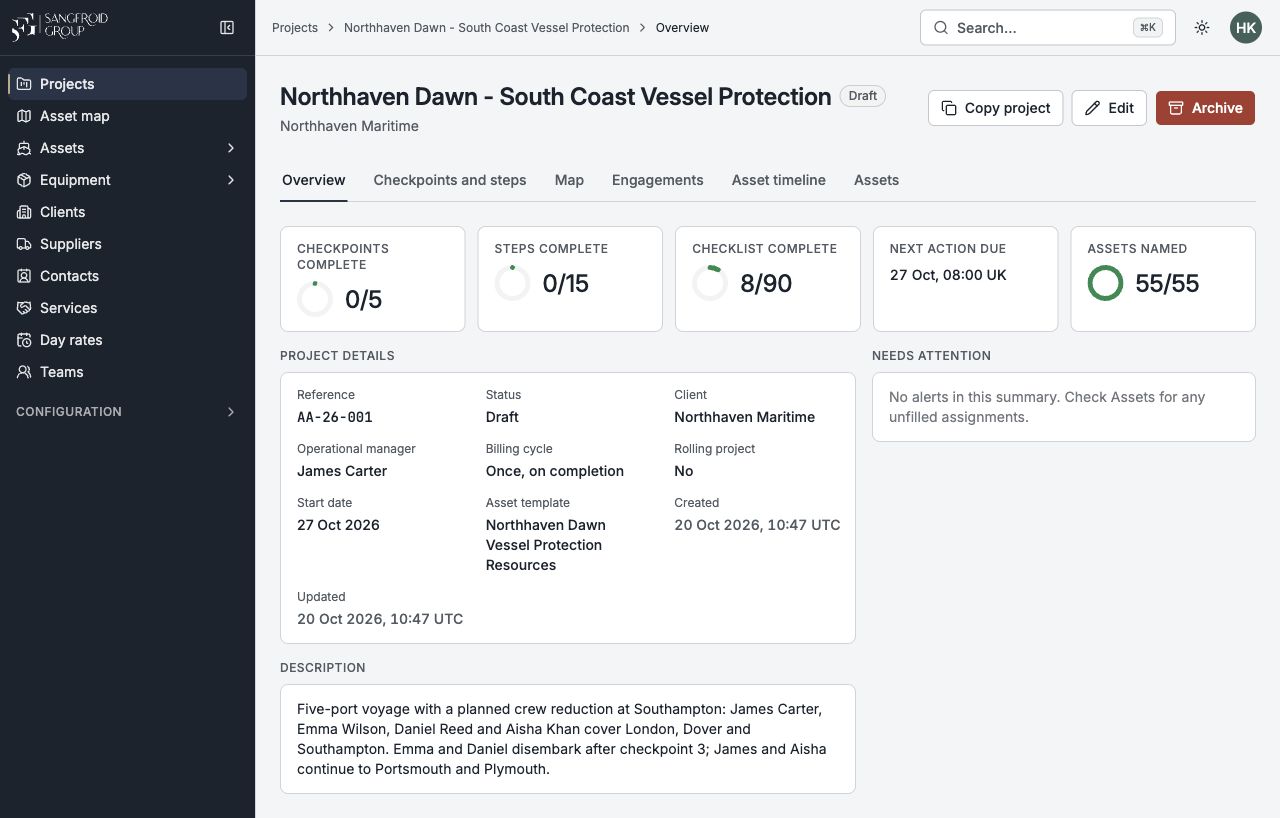 Operational workflows
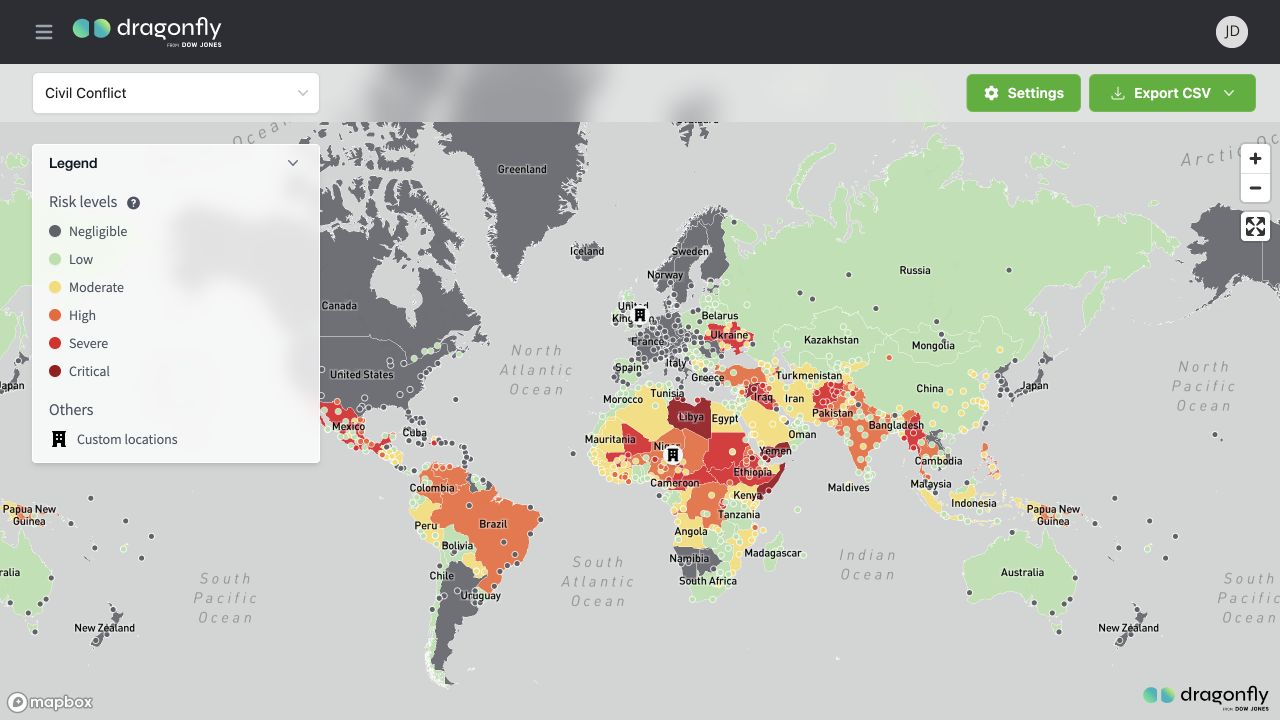 Data and geographic analysis
From assessment to operation
Identify the systems, people, records and exceptions involved. Check interface access and sample data before deciding what to connect or replace.
Agree field mappings, ownership, permissions and acceptance cases. Trial the workflow with suitable test data, including failed and repeated requests.
Agree reconciliation, rollout, recovery and operational ownership. Set the support arrangements and ongoing costs for the actual connection.
The assessment, deliverables, price and duration are agreed individually. There is no fixed package or assumed replacement programme.
Before we start
The application names, repeated task and common exceptions give us a useful starting point.
Often the first step is to assess what still works and which supported interfaces are available. The decision to retain, connect or replace a component should follow that assessment.
Check supported imports, exports, scheduled files and vendor options. Access restrictions and product terms matter. A missing API alone does not determine that the whole system needs replacing.
Read the no-API integration guideWe can assess the proposed handover, available interfaces and record-matching rules. Feasibility depends on the products, subscriptions, permissions and workflow. The planning examples in our guide do not claim a particular Cloudini client used that product pairing.
Plan a CRM and accounting handoverInterfaces, data quality, permissions, exception handling, testing and support affect the scope. We agree the investigation and implementation work individually rather than quote an invented standard price.
See what affects integration costThe design needs to distinguish retryable failures, repeated requests and records requiring a person’s decision. Monitoring, duplicate prevention and recovery responsibilities should be agreed before launch.
Read about failures and duplicate recordsDescribe the workflow, existing systems and the change you need. Use the enquiry form to discuss scope and next steps.